The GoHighLevel website builder: when it's the right choice and when it isn't
The GoHighLevel website builder is a good choice for most websites, and whether it’s right for yours comes down to two questions: what the site is for, and where its visitors come from. If traffic arrives from paid ads, referrals, social or email, it’s one of the fastest ways to put up a good-looking site that’s wired straight into your CRM. If ranking in Google is the main job, build the site on WordPress, Webflow or plain HTML instead.
Key takeaways
- Decide by purpose and traffic source, not by features.
- Strong for landing pages and websites fed by ads, referrals, social and email.
- Flexible design, custom code elements, and every form, booking and payment lands in the CRM.
- For a site that depends on organic search, use WordPress, Webflow or HTML.
- The blog feature is solid, and new posts can go out to your email list as a newsletter.
- It’s included in every HighLevel plan; you only add your own domain.
What is the GoHighLevel website builder?
It’s the Websites area inside every GoHighLevel sub-account. You build multi-page sites from a blank page or a template, lay them out with sections, rows, columns and elements, reuse global sections across pages, connect your own domain, and publish when you’re ready (checked on help.gohighlevel.com). Pages can sell products with a checkout, and each site has stats for page views, opt-ins and sales.
Because it sits inside the same account as your CRM, calendars and workflows, a website here isn’t a separate tool you have to connect. A form submission creates a contact, a booking lands on a calendar, and a workflow can start the follow-up the moment someone acts.
How do you build a website in GoHighLevel?
Open Sites, then Websites, and start a new site from a blank page, a template or the AI builder. Add your pages, build each one from sections and elements, connect your domain, then publish. The work that takes time isn’t the clicking; it’s deciding what each page is for and what happens after someone acts on it.
The order we follow on client builds:
- Map the pages first. Write down every page, what it’s for and the one thing a visitor should do there: book, call, apply or buy.
- Build the shared parts once. Header, footer and any block that repeats go in global sections, so a change in one place updates every page.
- Build the pages. Sections, then rows and columns, then elements. Check each page in mobile preview as you go, not at the end; most visitors will see the phone version.
- Add the forms, calendars and payments, and decide what each one triggers: a pipeline stage, a tag, a text, an email.
- Connect your domain and set each page’s title and description.
- Test everything end to end. Submit every form, book every calendar, run a test payment, and check the follow-up actually fires.
- Publish, then come back to the stats once real traffic arrives.
Can GoHighLevel build a website with AI?
Yes. HighLevel’s Funnel & Website AI creates and edits funnel and website pages. In Sites, choose Build with AI, then pick Assist, a guided path where you enter the niche, the goal of the page, the audience and the offer, or Build, where you describe the page in your own prompt (checked on help.gohighlevel.com). It can work from prompts, guided inputs, URLs or images, and it can rewrite copy, change the theme or add sections such as pricing, testimonials or FAQs. HighLevel says it’s currently available without additional AI usage charges, subject to usage limits.
It’s a quick way to get a first draft on the page. We still design client pages from scratch, because the layout and copy should follow your offer and your customers, not a general prompt. Use the AI draft as a starting point, then rewrite the copy in your own words and check every page on a phone.
What is it good at?
In our builds, the website builder does its best work on sites and pages built for a specific action:
- Speed. You can spin up a landing page very quickly, which matters when an ad campaign or a new offer needs a page this week.
- Design flexibility. There’s a wide range of elements to work with, and a well-built GoHighLevel site doesn’t have to look like a template.
- Custom code elements for anything the standard elements don’t cover.
- Automations right behind the page. This is the real advantage. Because the site sits right on GoHighLevel, there are tons of possibilities for what happens after someone fills in a form, books a call or buys.
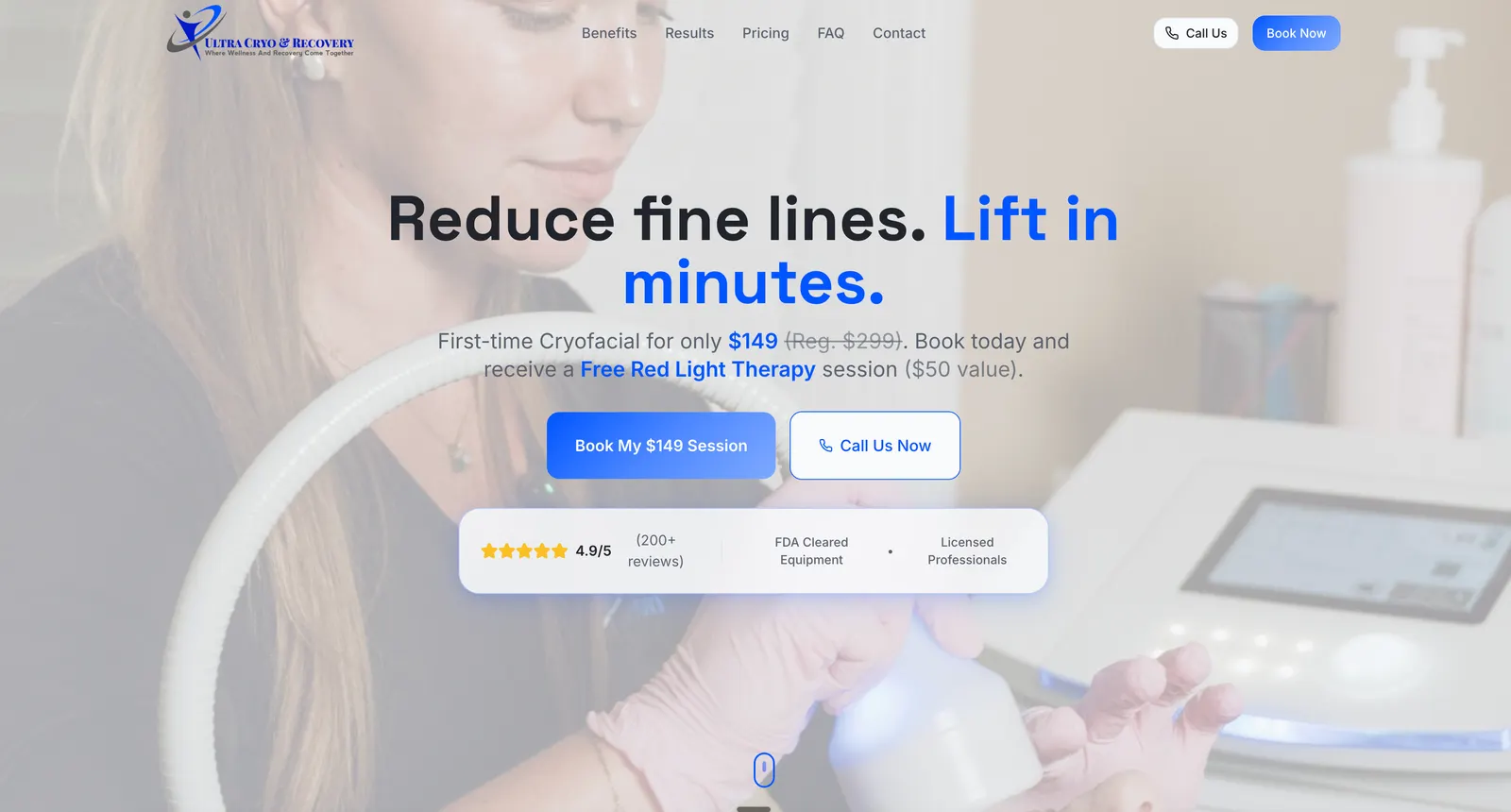
Ultra Cryo & Recovery runs pages like this for its paid campaigns: one offer, a booking button and a call button, with the lead landing in the same account that runs the calling cadence.
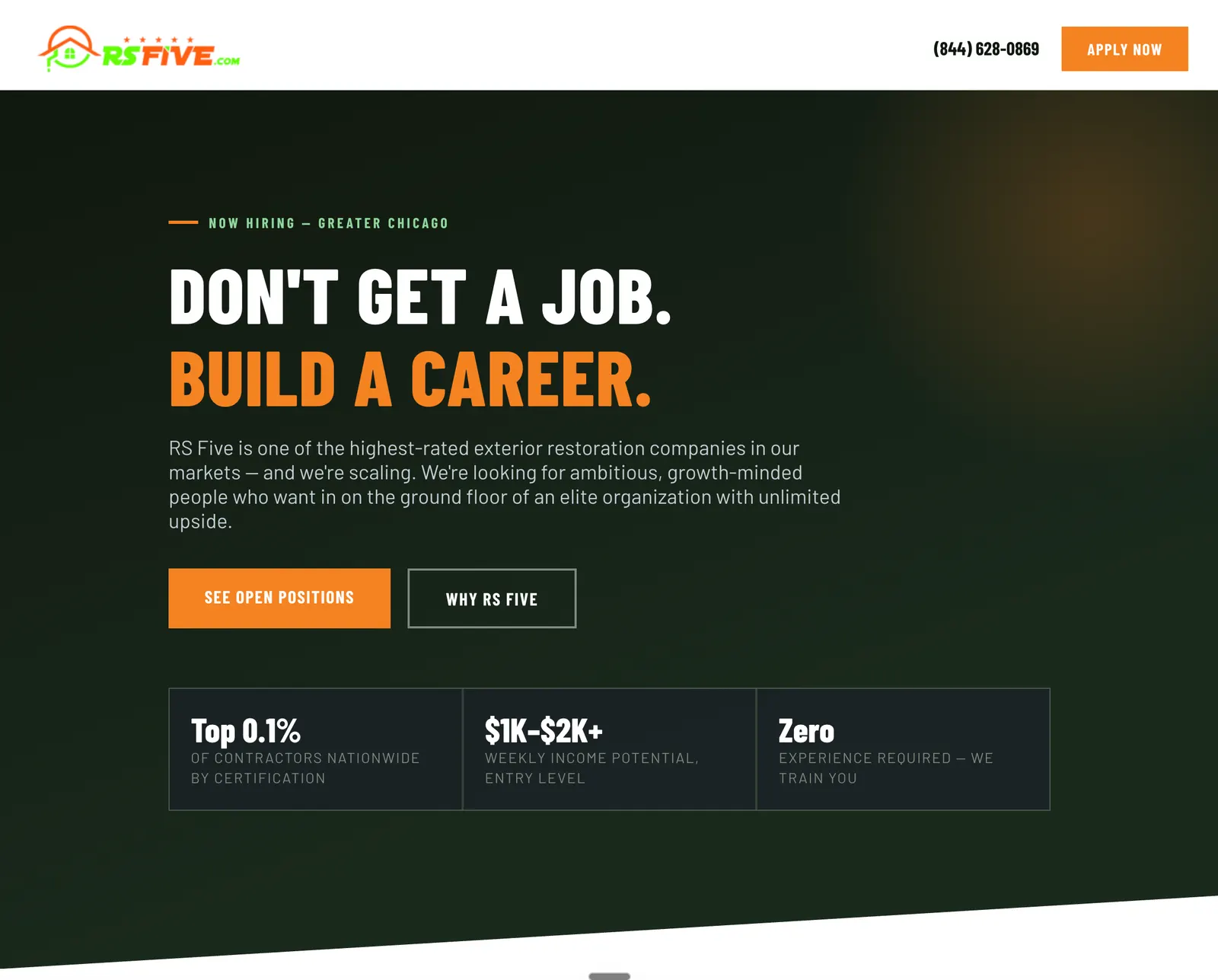
Websites aren’t only for sales, either. RS Five uses a careers page built in GoHighLevel to recruit, with an “Apply now” button that feeds every applicant into the same system that screens them.
What can you put on a GoHighLevel website?
Everything that turns a visitor into a contact: forms, surveys, calendars, a checkout and an online store, plus custom code for anything else. Because these are HighLevel’s own elements, each one writes straight into the CRM, so a booking or an order can start a workflow without a connector in between.
- Forms and surveys. HighLevel recommends its native forms and surveys over embedded third-party ones (checked on help.gohighlevel.com). Each submission creates or updates a contact.
- Calendars, so visitors book straight onto your team’s availability.
- An online store. Add a Store element to a website, then turn on “Include in Online Store” for each product you want to sell (checked on help.gohighlevel.com).
- Custom code. Custom code elements hold your own HTML, CSS or scripts. Head and body tracking codes, such as Google Tag Manager, work too; HighLevel injects them in the browser, so they won’t show up if you view the page’s raw source (checked on help.gohighlevel.com). Check them with the tool’s own tester instead.
Where does it fall short?
SEO-led websites. If the goal of the business is to win traffic from Google with a large blog, lots of service pages, or organic search as a main channel, you’re better off building the website on WordPress, Webflow or an HTML site. You can keep your funnels, forms and CRM in GoHighLevel and connect them to that site.
Split testing on website pages. HighLevel’s help center says split testing isn’t available in Websites; it only works on funnel pages (checked on help.gohighlevel.com). If you want to A/B test a page, build it as a funnel step.
How fast are GoHighLevel websites?
Fast enough when the pages are built with care, and slow when they’re overloaded. HighLevel’s own benchmark for a well-optimized page is a PageSpeed score above 80 on mobile and above 95 on desktop (checked on help.gohighlevel.com). Most of the score is in your hands: image sizes, video backgrounds, third-party scripts and how much sits at the top of the page.
What HighLevel recommends (checked on help.gohighlevel.com):
- Turn on Optimise Javascript and image optimisation in the settings. Lazy loading is applied to image elements automatically.
- Resize images to roughly the size they’re shown at, and keep images above the fold small, ideally under 200 KB.
- Keep video backgrounds short, and cut animations, widgets and third-party scripts you don’t need.
- Put heavy elements like forms, calendars and maps below the fold.
- Reuse global sections, and test on mobile and desktop with PageSpeed Insights.
One thing to know before you start: HighLevel’s help center says its developers don’t debug page speed for you. If a page is slow, the fix is in how it’s built.
Can you use your own domain?
Yes. Connect it in Settings, then Domains & URL Redirects: a root domain uses an A record, a subdomain uses a CNAME, and HighLevel adds the SSL certificate automatically once the domain connects (checked on help.gohighlevel.com). DNS changes can take up to 24 hours to go through.
If your main domain already runs a website you want to keep, don’t point it at GoHighLevel. Connect a subdomain instead (for example, a subdomain for offers or bookings) and leave the main site where it is. This is the usual setup when the main site lives on WordPress or Webflow for SEO and the campaign pages live in GoHighLevel.
Should you build your website on GoHighLevel?
Work it out from the purpose of the site, where its traffic comes from, and how the business sells.
| Your situation | Build the website on |
|---|---|
| Traffic mostly from paid ads, referrals, social or email | GoHighLevel |
| Landing pages and funnels for campaigns and offers | GoHighLevel |
| A site whose main job is booking, applying or buying | GoHighLevel |
| Organic search is a main channel (big blog, many service pages) | WordPress, Webflow or HTML, with funnels and CRM in GoHighLevel |
Website or funnel?
A website is a set of pages people browse, with navigation, for visitors checking out who you are. A funnel is a sequence of steps that moves someone toward one action, and it’s the only place GoHighLevel lets you split test. Most businesses end up with both in the same account. For the difference in detail, and which funnel fits which goal, see the GoHighLevel funnel builder guide.
How do you move an existing website to GoHighLevel?
Plan it as a rebuild, not a copy. Pages are rebuilt in GoHighLevel’s builder (the AI builder can work from a URL to give you a first draft), and blog posts can be imported from a URL or a CSV file. The parts that protect your traffic are keeping the same page addresses and redirecting the ones that change.
- List every page on the current site, with its address and whether it gets traffic.
- Rebuild the pages in GoHighLevel, using the same addresses where you can.
- Import the blog posts and check each one’s formatting and images.
- Rebuild the forms and connect them to workflows, so nothing goes to an old inbox.
- Set up redirects for any address that changes, in Settings, Domains & URL Redirects.
- Test, then switch the domain over, and check the old addresses still land somewhere useful.
If the old site earns most of its leads from Google, that’s a strong sign it should stay on WordPress or Webflow. HighLevel also sells WordPress hosting as a separate add-on, from $10 a month per site (checked on gohighlevel.com), if you’d rather keep WordPress but manage it from the same account.
Does GoHighLevel have a blog feature?
Yes, and it’s one of the better parts of the platform. HighLevel Blogs is a built-in publishing system: you write posts, give each one an author, category, URL slug, SEO title, description, cover image and keywords, and either publish straight away or schedule it for later (checked on help.gohighlevel.com). You place the blog on any website page or funnel step with the Blog Post List element, and you can import posts from a URL or a CSV file.
The part we use most: every blog has an RSS feed, and that feed can send your new posts out as a newsletter through an email campaign, or schedule them to social media through Social Planner (checked on help.gohighlevel.com). Write once, and the post reaches your site, your email list and your social channels without being copied around by hand. If email is a big part of how you sell, that’s covered in GoHighLevel email marketing.
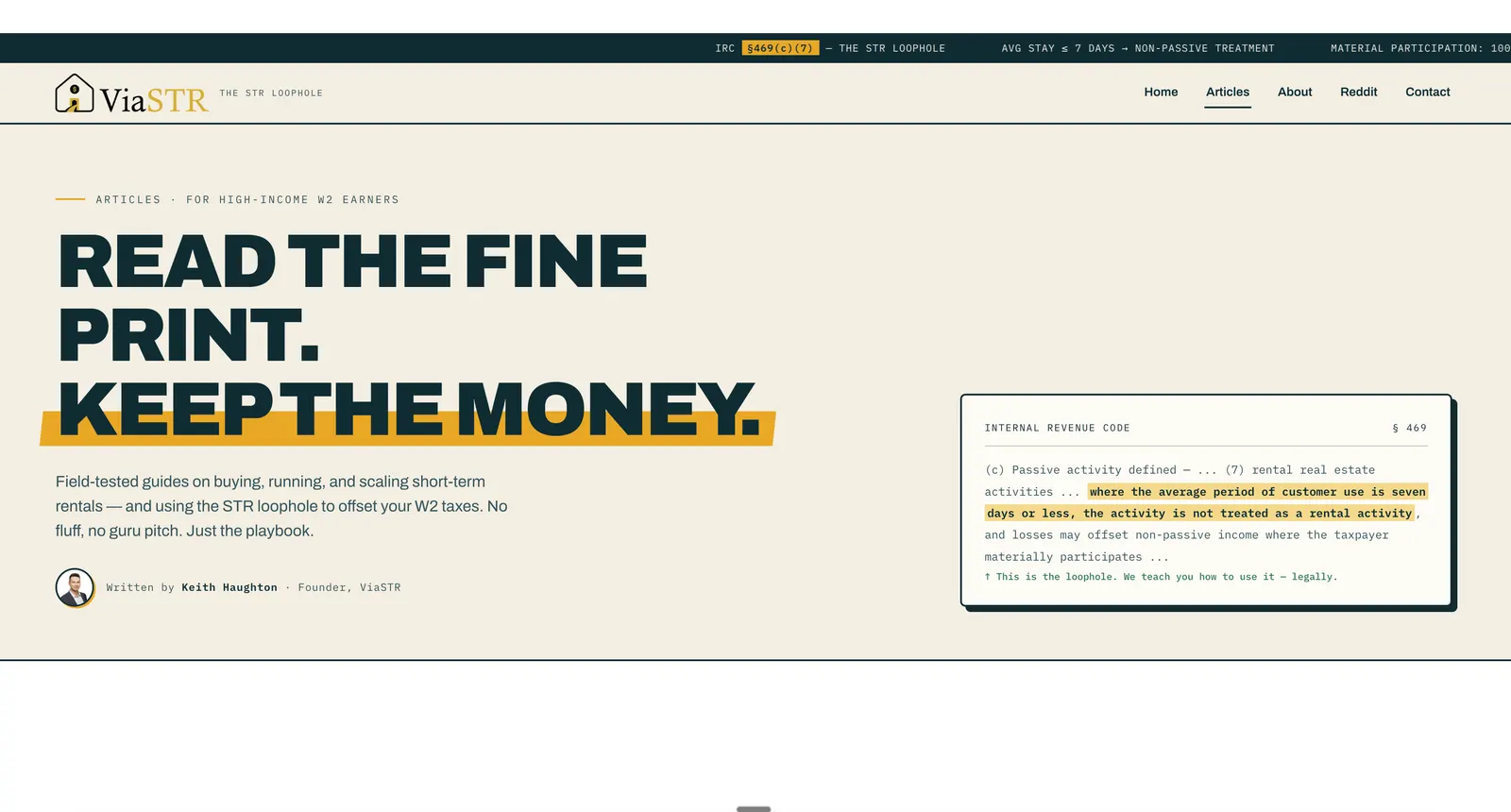
We built the blog for ViaSTR, which publishes guides for high-income W2 earners on buying and running short-term rentals and using the short-term rental tax loophole. The articles live on the GoHighLevel blog, styled to match the rest of the site.
How to set up a GoHighLevel blog
- Create the blog and set up your authors and categories before the first post, so every post is filed from day one.
- Write the first posts and fill in each one’s slug, SEO title, description and cover image.
- Add the Blog Post List element to the website page where the blog should appear.
- Generate the sitemap. From your domain’s menu, choose the blog home and posts to include and generate the XML sitemap; once generated, it updates itself whenever you publish a new post (checked on help.gohighlevel.com).
- Connect the RSS feed to an email campaign or Social Planner, so new posts go out on their own.
Blog limits to know
HighLevel’s help center lists a few (checked on help.gohighlevel.com):
- Custom values, forms and surveys aren’t supported inside blog posts.
- Separate blog pages per category aren’t supported yet.
How much does the GoHighLevel website builder cost?
Nothing extra. The website and funnel builder is one of HighLevel’s core features, and core features come with every plan, starting with Starter at $97 a month (checked on gohighlevel.com). You pay for your own domain through your registrar. The only website-related add-on on HighLevel’s pricing page is WordPress hosting, from $10 a month per site, for businesses that want a WordPress site managed inside HighLevel.
If you’d rather have it built
Websites, landing pages and blogs are usually built as part of a GoHighLevel setup, designed from scratch rather than from a template, with the forms, bookings and follow-up behind them connected and tested. All prices are on the pricing page. If you’re not sure whether your website belongs in GoHighLevel or somewhere else, we’re happy to talk it through.
FAQ
Is the GoHighLevel website builder good?
Yes, for most websites. It is fast to build with, flexible on design, supports custom code, and every form, booking and payment lands in the same CRM that runs your follow-up. The exception is a website whose main job is ranking in Google, which is better built on WordPress, Webflow or plain HTML.
Does GoHighLevel have a blog feature?
Yes. HighLevel Blogs lets you write, schedule and publish posts with authors, categories and per-post SEO settings, and each blog has an RSS feed you can use to send new posts to your email list as a newsletter or schedule them in Social Planner.
Should I build my website on GoHighLevel or WordPress?
It depends on where your traffic comes from. If visitors arrive from paid ads, referrals, social or email, GoHighLevel is a strong choice. If organic search is a main channel, build the website on WordPress or Webflow and keep your funnels and CRM in GoHighLevel.
How much does the GoHighLevel website builder cost?
The website and funnel builder is a core feature included in HighLevel's plans, which start at $97 a month as of November 9, 2026. You pay for your own domain separately. HighLevel's WordPress hosting is a separate add-on that starts at $10 a month per site.
Can you A/B test pages on a GoHighLevel website?
Not on website pages. HighLevel's help center says split testing is not available in Websites and only works on funnel pages, so pages you want to test should be built as funnel steps.
What are the limits of the GoHighLevel blog?
HighLevel's help center lists a few: custom values, forms and surveys are not supported inside blog posts, and separate blog pages per category are not supported yet.