GoHighLevel CRM setup: how to set it up so it holds
A good GoHighLevel CRM setup starts before you touch the software. You map how you actually sell, then build the CRM around it in this order: pipeline, fields and tags, a clean contact import, lost reasons, lead assignment and reporting. Skip the first step and everything after it gets bolted on wherever it seems to fit.
We have seen three kinds of businesses come to us for GoHighLevel setups: ones that just bought GoHighLevel and don’t know where to start, ones whose account has turned into a mess, and ones moving over from HubSpot, Salesforce or a spreadsheet. Each one starts in the same place: the sales process and the customer journey.
Key takeaways
- Map the sales process and customer journey first. A messy CRM is a symptom; the real problem is a process nobody wrote down.
- Usually one pipeline. The rule is one pipeline per sales process.
- Clean the CSV completely before any import.
- Record a reason on every lost deal.
- Build reporting around attribution: where leads, and paying customers, come from.
Where do you start?
With the sales process, not the settings. Write down how a lead arrives, who talks to them, what happens at each step, and what “won” looks like. Then the customer journey: every message and touchpoint from first contact to after the sale.
That map decides everything else. Which pipeline stages you need, which fields you track, which tags trigger what, who gets which lead. Without it, every new workflow gets added on top of the last one, and six months later nobody can say why a customer got three texts in one afternoon.
How many pipelines does a GoHighLevel CRM need?
Usually one. Most businesses need far fewer pipelines than they have, and the rule we follow is one pipeline per sales process. A second pipeline only makes sense when you serve genuinely different types of customers who go through different steps. Splitting pipelines by lead source is a common mistake: source belongs on the record, not in a separate board.
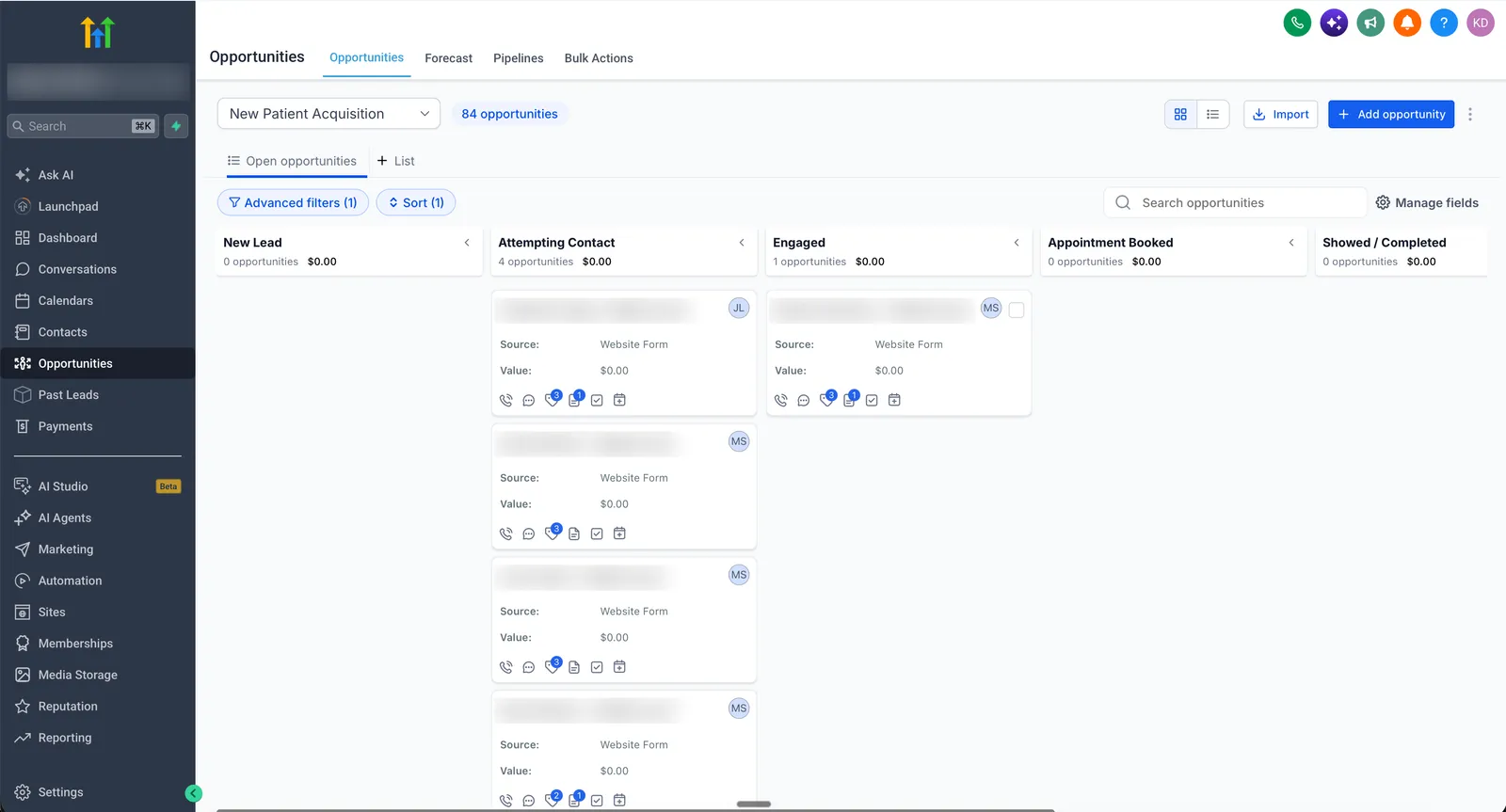
Stages should be real steps a lead goes through, not labels someone thought might be useful. At Browntown Farms the single pipeline tracks the customer lifecycle instead (new lead, first-time buyer, repeat buyer, lapsed), because repeat orders are what that business needs to see.
Custom fields, custom values and tags
There’s no fixed rule for which data becomes a tag and which becomes a custom field. It depends on what your customer journey needs to track and trigger. One distinction does hold everywhere, and it’s HighLevel’s own: a custom field stores something that changes from record to record (service interest, quote amount), and a custom value stores something that stays the same across the account (your booking link, support email) (checked on help.gohighlevel.com). Change a custom value once, and every message that uses it updates.
What matters more is that every tag and field is written down, with what it means and what sets it. At Ultra Cryo & Recovery, a documented tag list with SOPs replaced tags that had been added inconsistently for years.
How do you import contacts without making a mess?
Clean the CSV completely before a single contact goes in: one row per person, phone numbers in one format, emails checked, and old tags mapped to the new ones. Importing a dirty list is how most duplicate problems start, and it’s much harder to fix afterwards.
Then set the sub-account’s deduplication preference so a returning lead attaches to their existing contact. The CSV import matches existing contacts on email or phone (checked on help.gohighlevel.com).
Moving from another CRM involves more than contacts: deals, history and automations come too. That’s covered on GoHighLevel migration.
What should happen to lost deals?
Set up lost reasons, so a deal marked lost records why: price, chose someone else, no response, not a fit. HighLevel can report lost deals by reason on a dashboard (checked on help.gohighlevel.com).
What happens next depends on the business. Some want lost leads followed up and won back. Others want them closed and left alone. Either is fine, as long as it’s a decision and not an accident.
Who gets which lead, and who sees what?
There’s no right default here. Lead distribution should follow how your team actually sells: by rotation, by service, by territory or by experience. Decide that first, along with what each rep should be able to see. Then build it: automatic assignment with an alert to the rep, and permissions so reps can be limited to their own contacts, deals and appointments (checked on help.gohighlevel.com).
What reporting should a GoHighLevel CRM have?
Start with attribution: where leads are actually coming from, and which sources turn into paying customers. It’s the number owners care about most, and most businesses we see don’t have it set up properly, so they’re judging their marketing on guesswork. Once every lead records its source, things show up fast: an ad channel that brings leads but no sales, or a source that’s quietly doing most of the work.
After that, a standard dashboard covers most businesses: leads, bookings, conversion by stage and won deals. RS Five tracks lead source, conversion by stage and AI agent performance on one dashboard. Anything beyond that should come from a question you actually need answered.
What goes wrong in a messy GoHighLevel account?
The same problems come up in almost every account that’s been running a while without a plan:
- Far too many tags, added on the fly and never cleaned up.
- Duplicate contacts, so one customer shows up two or three times.
- Pipeline stages nobody uses.
- Workflows that misfire, firing at the wrong time or for the wrong people.
- Customers getting several texts from different workflows at once.
- Texts nobody can trace, because no one knows which workflow sent them.
None of these is really the problem. What happens inside GoHighLevel is a symptom. The problem is the sales process and customer journey underneath, which was never mapped.
How do you clean one up?
Patching rarely works. What does:
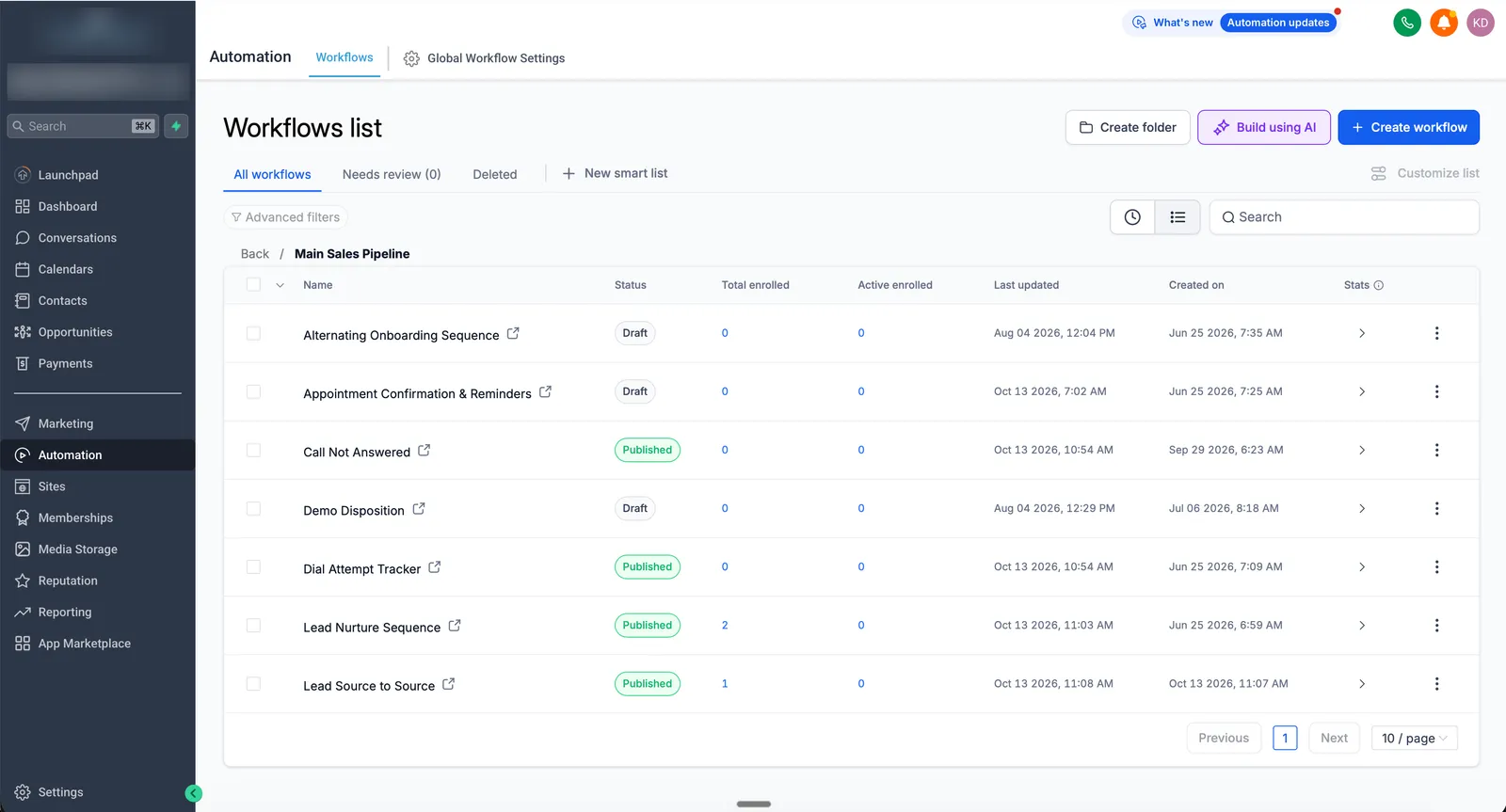
- Map the sales process and the customer journey, the same as for a new account.
- Remove everything that doesn’t serve that journey. Tags, fields, stages and workflows that have no place in the map get deleted, not kept “just in case”.
- Build back up from scratch, so every pipeline stage, field and workflow has one clear job and can be traced.
How much does a GoHighLevel CRM setup cost?
If you’d rather have it done, a new CRM setup is part of a GoHighLevel setup: one fixed price from $1,490 to $5,500, live in 2 to 4 weeks, with workflows, phone, A2P and training included. For an existing account that’s a mess, the $247 audit maps what’s broken and what to remove, and is credited against the rebuild. Coming from another CRM, migration is priced on its own. All prices are on the pricing page.
GoHighLevel Setup
$1,490–$5,500
one-time · 2–4 weeks
- Sales process mapped with you first
- Pipelines, calendars, forms and workflows
- Phone, A2P and email domain connected
- Training call, Loom walkthrough and PDF manual
- 6-month build guarantee
GoHighLevel Audit
$247
one-time · 48 hours
- Audit call: your setup, sales process and goals
- Detailed audit report: where leads and revenue leak
- Proposed fix with a fixed price
- $247 credited against the build
Migration to GoHighLevel
From $2,447
per project · 2–4 weeks
- Contacts, pipelines and tags
- Automations rebuilt
- Funnels and forms
When you don’t need help
- You only need a clean list imported into an account that already works. HighLevel’s CSV import will do it.
- You want to design the CRM yourself. The order on this page is the one we use, and it works just as well when you do it.
- You want workflows added on top of a messy account without fixing what’s underneath. We’d always start with the journey, so we’re not the right fit for that.
If you’d like a second pair of eyes on your account or your current CRM, book a free call.
Proof: GoHighLevel CRM setup in real client builds





FAQ
How do you set up a GoHighLevel CRM?
Start by mapping the sales process and customer journey. Then build the pipeline, decide your custom fields and tags, clean your contact list before importing it, set up lost reasons and lead assignment, and finish with reporting that shows where leads come from.
How do you clean up a messy GoHighLevel account?
Map the sales process and customer journey first, then remove every tag, field, pipeline stage and workflow that doesn't serve it, and rebuild the rest. Most messy accounts are a symptom of a sales process nobody wrote down.
How many pipelines should a GoHighLevel account have?
Usually one. The rule is one pipeline per sales process, so you only need more when you sell to genuinely different types of customers in different ways.
How do you stop duplicate contacts when importing into GoHighLevel?
Clean the CSV completely before importing: one row per person, one phone format, checked emails and old tags mapped to the new ones. Then set the sub-account's deduplication preference so returning leads attach to their existing contact.
Can I move from HubSpot or Salesforce to GoHighLevel?
Yes. Set up the GoHighLevel CRM first, then migrate contacts, deals and history into it, so the data lands in a structure that already works. Moves from spreadsheets and industry CRMs like Job Nimbus or Jobber work the same way.
What is the most important report in a GoHighLevel CRM?
Lead source attribution: where your leads, and your paying customers, actually come from. Most businesses don't have it set up properly, so they can't tell which marketing is working.